Reporting on contributions coming through the Give Without Account option is limited to searching based on Status. All contributions through Give Without Account are initially tied to the individual record with status of New from Online Giving. The G1050 Core Giving records report can be used to show all givings from individuals with that status.
- Open G1050 Core Giving Records Report
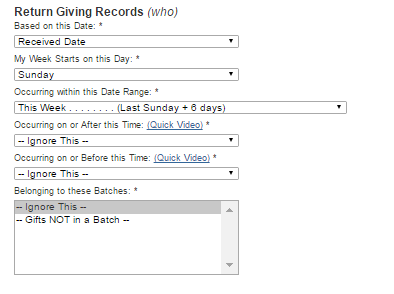
- Select Date Range & desired information about gifts & contributor
- Click Additional Filters
- Scroll down to Return based on Status/Substatus & select New from Online Giving
- Click Run
Note: Once an individual's New From Online Giving status has been changed, either manually or through a merge, it will not be possible to track which contribution came through GWA.
Updated